1099-NEC
Nonemployee Compensation - 2025
Form 1099-NEC reports payments of $600 or more made to independent contractors.
Fill, Sign, and Share Your Forms in Minutes

Fill out your 1099-NEC form
Click 'Fill this form' to be taken to our editor. Type directly into the form fields.

Digitally sign your form
Add your official signature to the form! You can draw, type or upload an image to sign.

Share your form instantly
Download, print, fax, or share your form with a direct link.
What is a 1099-NEC form?
Form 1099-NEC reports payments of $600 or more made to independent contractors.
- Gather contractor payment records for the tax year.
- Confirm total nonemployee compensation paid (generally $600+).
- Enter payer and recipient information.
- Enter total compensation in Box 1.
- Add any federal withholding (if applicable) in Box 4.
- Review for accuracy and submit to IRS and recipient by January 31.
Quick Access
1099-NEC
Get More Done with PDF.live
PDF.live lets you download ready-to-use forms and complete them entirely online. Edit text, rearrange pages, sign documents, add images, and more — no software required.

Full-Featured PDF Editor
Fill forms, edit text, add images, draw, highlight, and annotate PDFs in just a few clicks.

Start Now, Finish Anytime
Save your progress and return anytime. Your documents stay editable until you’re ready to finish.

Unlimited Document Storage
Securely store all your forms and documents in one place for easy access, updates, and reuse anytime.
Related Federal Forms
Explore other commonly needed federal forms and documents
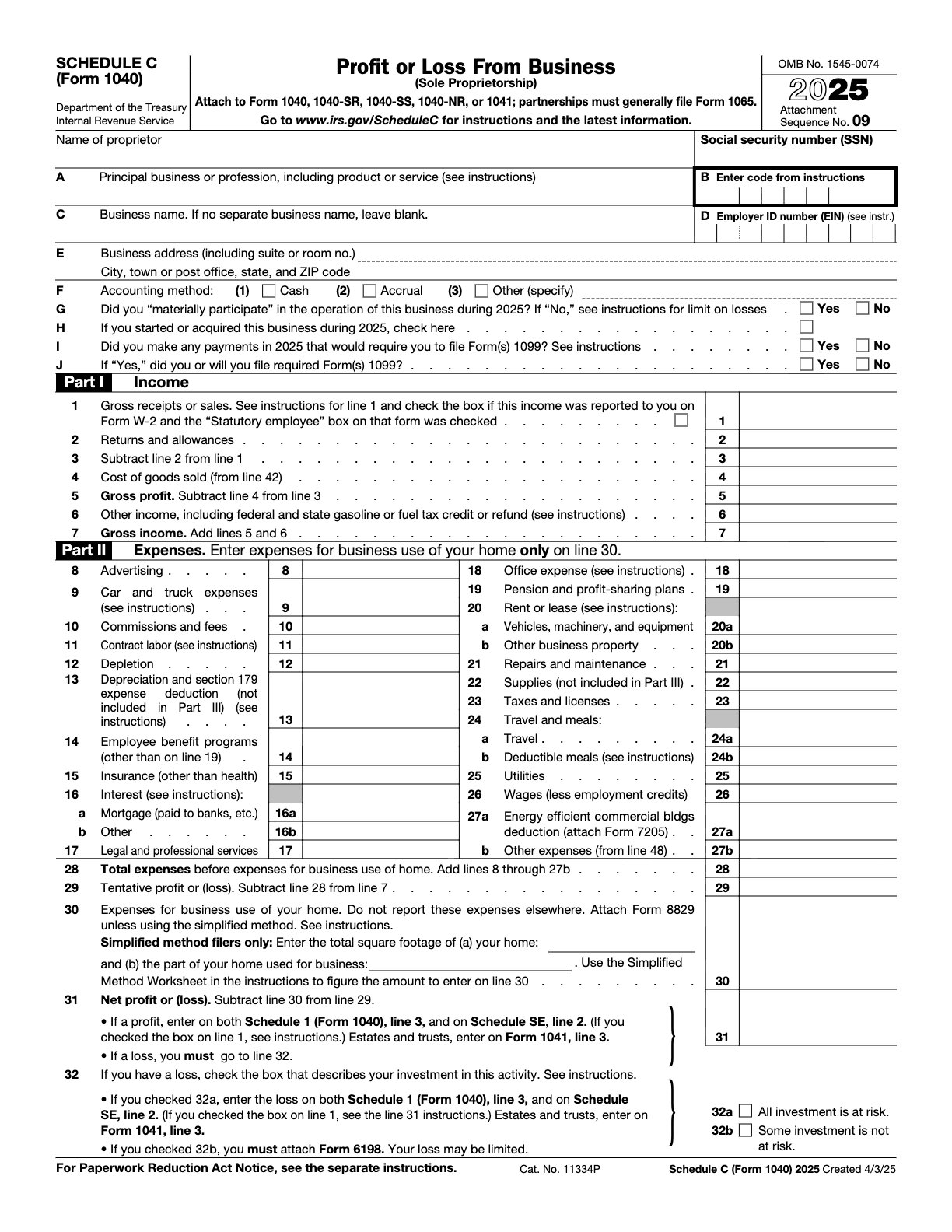
2024 – Federal – Profit or Loss From Business
Reports income and expenses for sole proprietors.
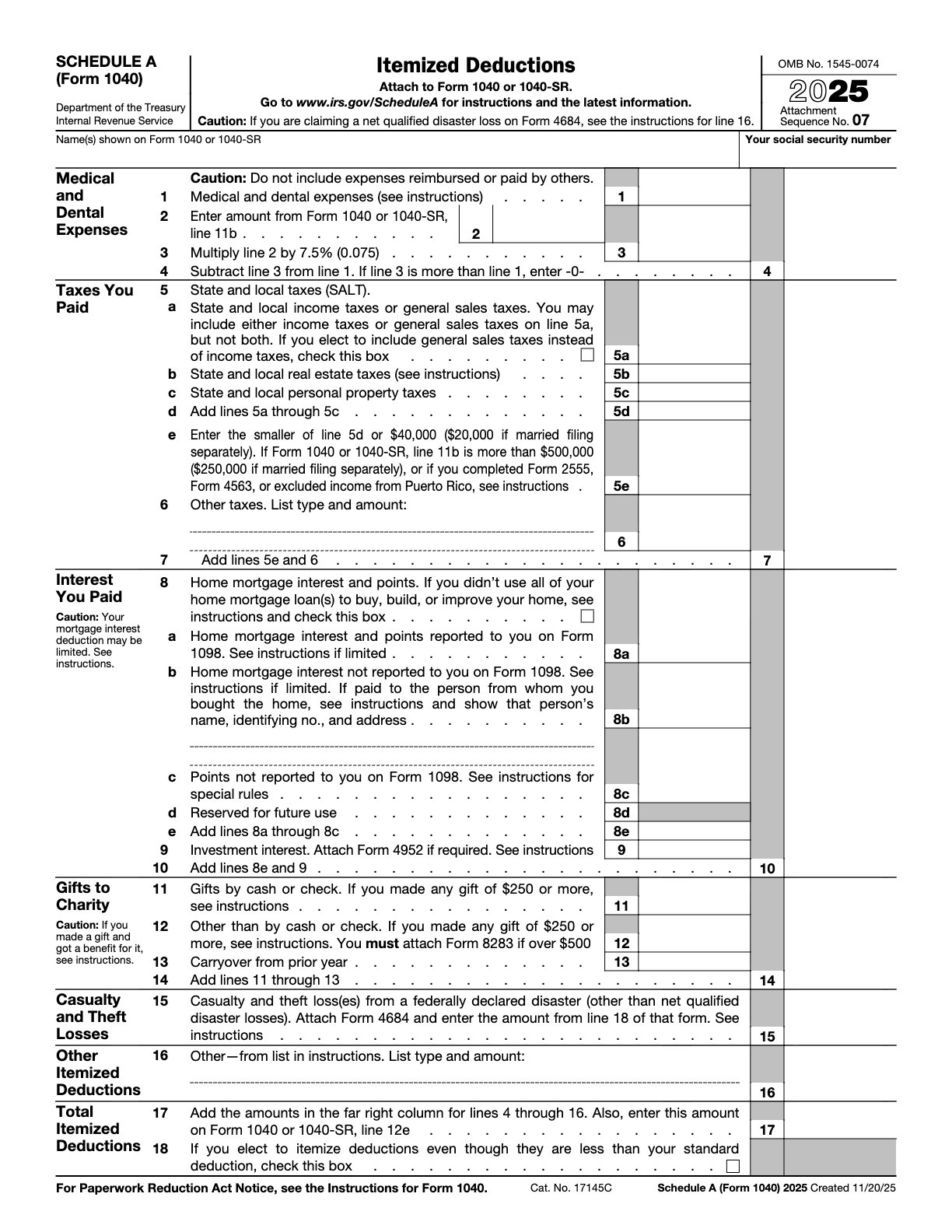
2024 – Federal – Itemized Deductions
Lists itemized deductions for taxpayers not taking standard deduction.
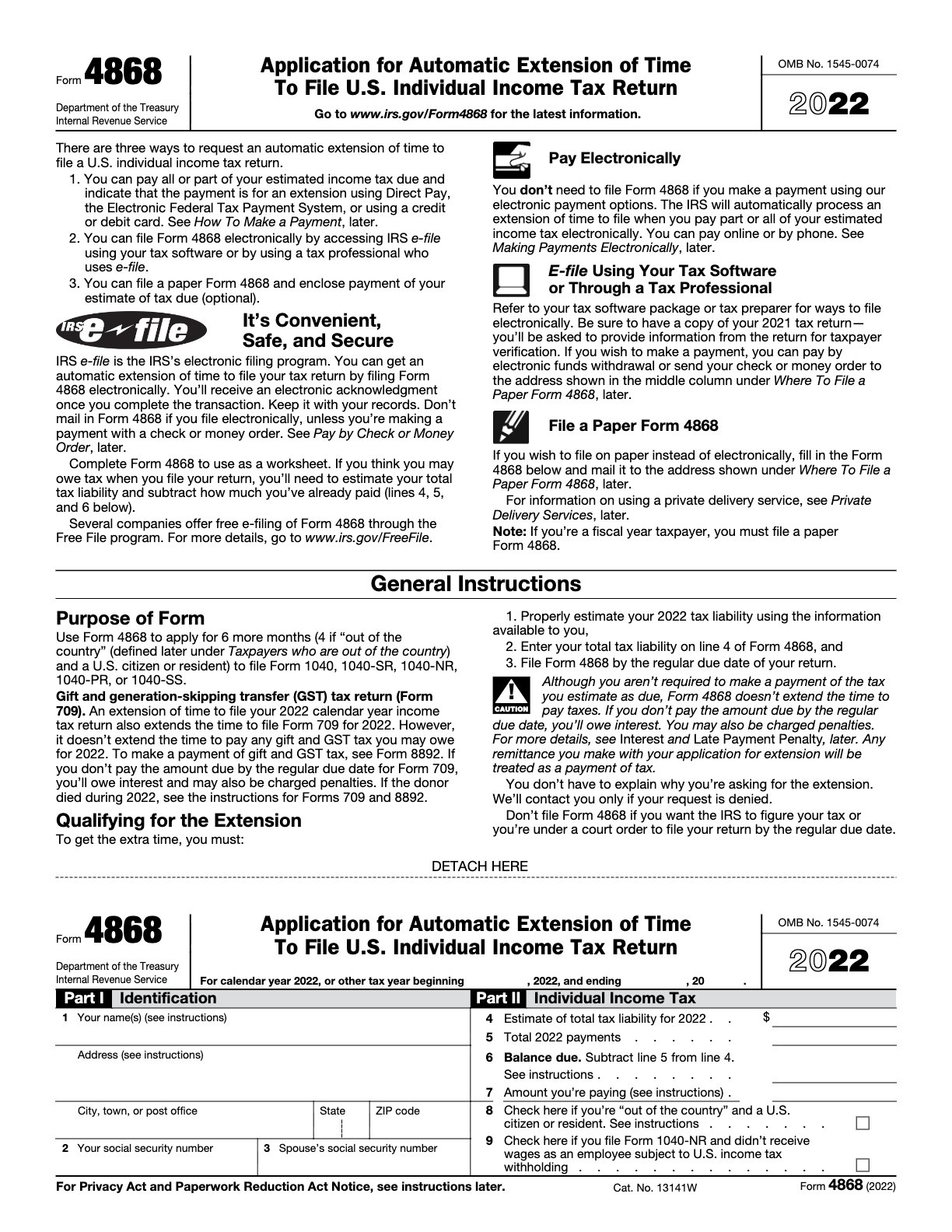
2022 – Federal – Application for Automatic Extension
Requests an automatic 6‑month extension to file taxes.
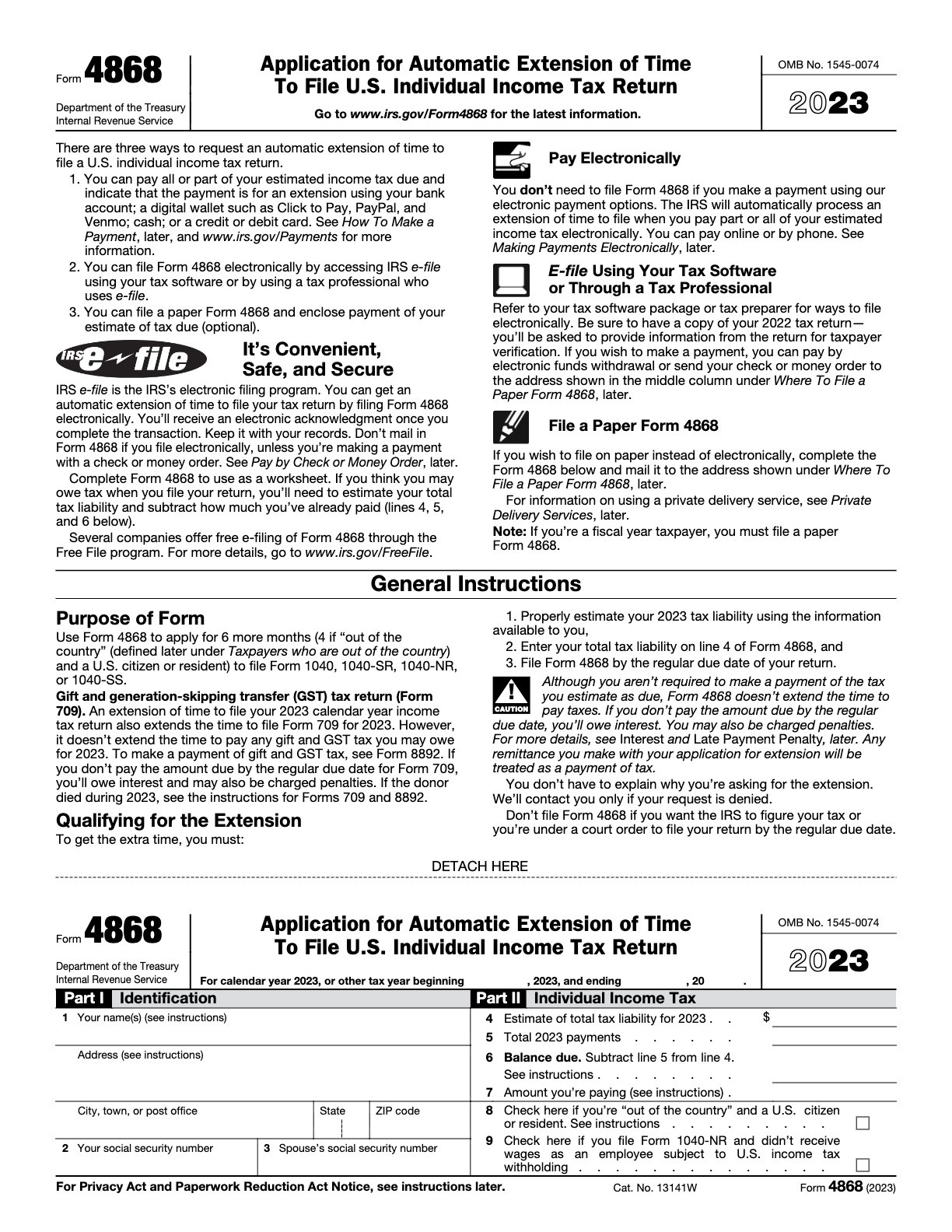
2023 – Federal – Application for Automatic Extension
Requests an automatic 6‑month extension to file taxes.
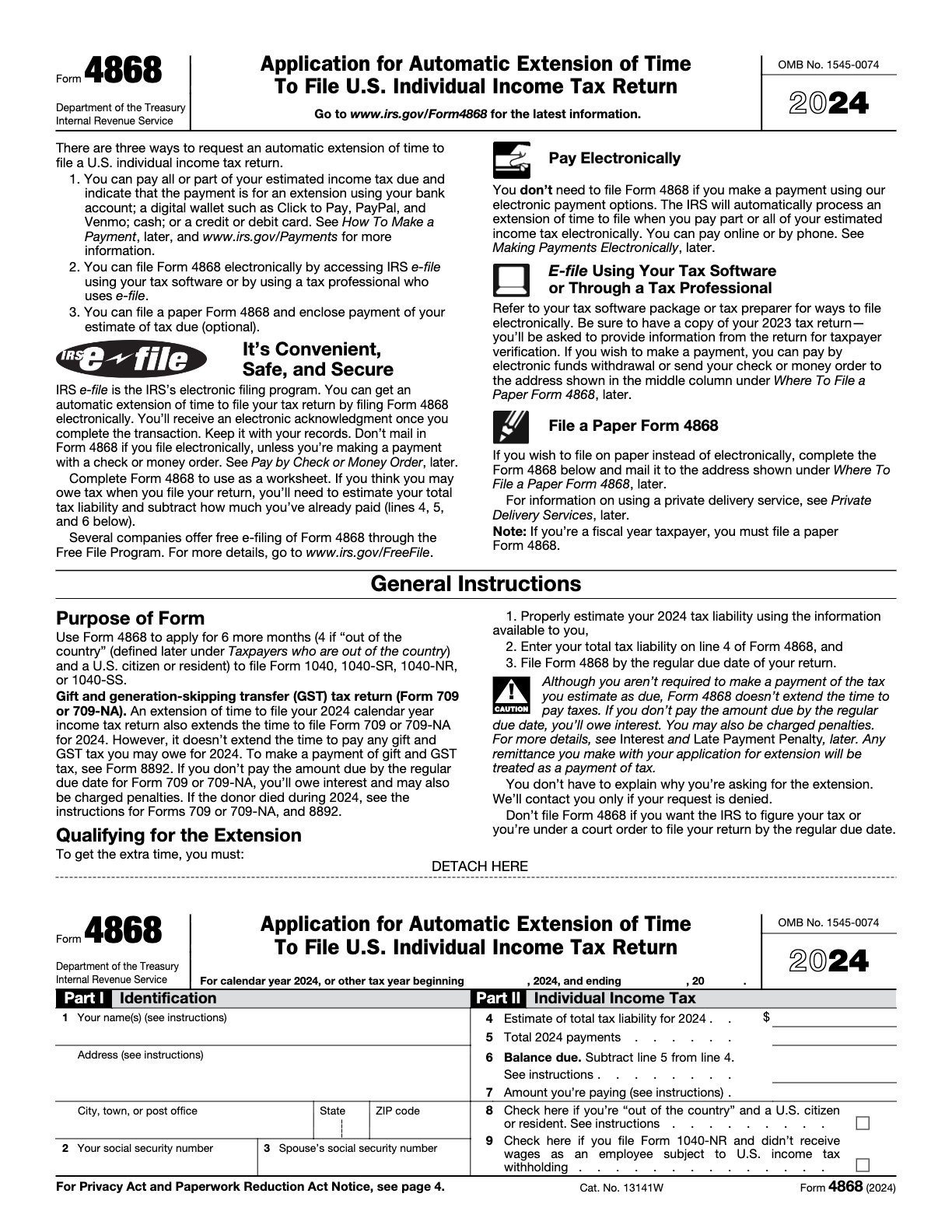
2024 – Federal – Application for Automatic Extension
Requests an automatic 6‑month extension to file taxes.
Ready to get started?
Download the fillable 1099-NEC form now and streamline your federal financial documentation process.