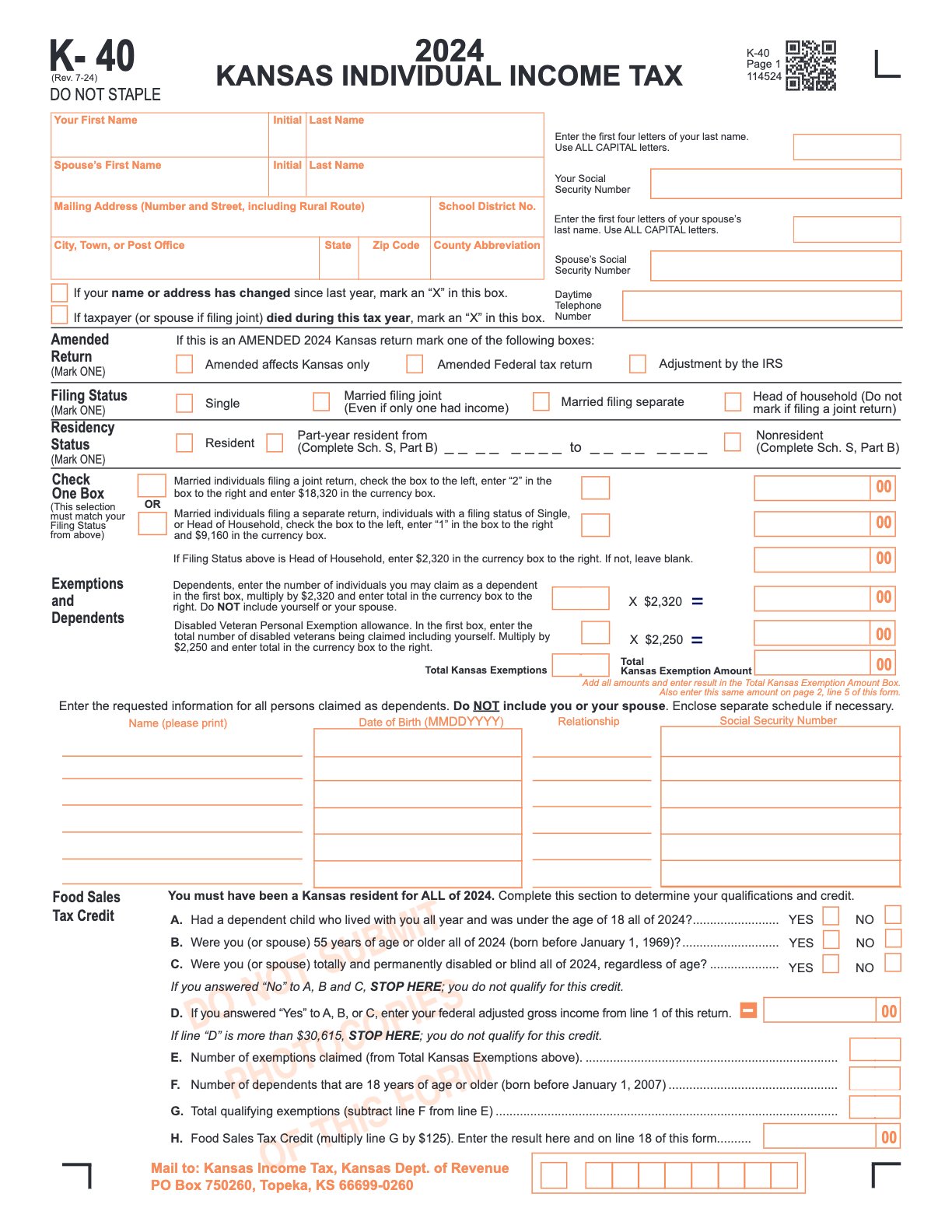
K‑40
Kansas Individual Income Tax Return
Used to report Kansas adjusted gross income, claim credits and deductions, and compute refund or tax due for the year.
Fill, Sign, and Share Your Forms in Minutes

Fill out your K‑40 form
Click 'Fill this form' to be taken to our editor. Type directly into the form fields.

Digitally sign your form
Add your official signature to the form! You can draw, type or upload an image to sign.

Share your form instantly
Download, print, fax, or share your form with a direct link.
What is a K‑40 form?
Used to report Kansas adjusted gross income, claim credits and deductions, and compute refund or tax due for the year.
- Collect income statements (W‑2, 1099, K‑
- and prior‑year return.
- Fill in personal info and filing status; add dependents if applicable.
- Enter income, adjustments, deductions/credits using state instructions.
- Attach required schedules and withholding statements.
- Calculate tax, refund, or amount due; include payment voucher if paying by mail.
- Sign and date the return.
- File electronically via the state portal or mail to the address on the form; keep a copy.
Quick Access
K‑40
Get More Done with PDF.live
PDF.live lets you download ready-to-use forms and complete them entirely online. Edit text, rearrange pages, sign documents, add images, and more — no software required.

Full-Featured PDF Editor
Fill forms, edit text, add images, draw, highlight, and annotate PDFs in just a few clicks.

Start Now, Finish Anytime
Save your progress and return anytime. Your documents stay editable until you’re ready to finish.

Unlimited Document Storage
Securely store all your forms and documents in one place for easy access, updates, and reuse anytime.
Related Federal Forms
Explore other commonly needed federal forms and documents
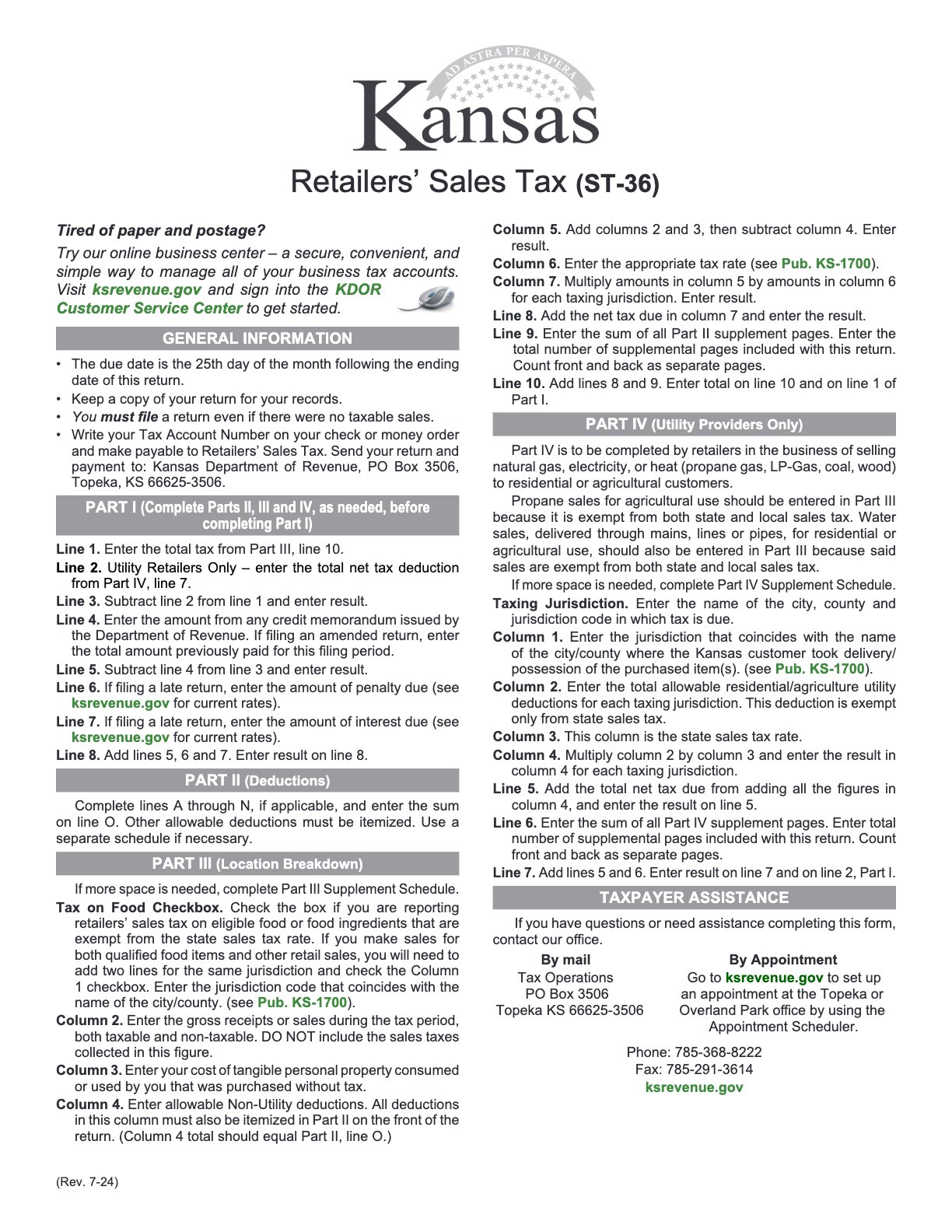
Ready to get started?
Download the fillable K‑40 form now and streamline your federal financial documentation process.