Resources » Faxing PDFs »
Cloud-based faxing uses technology called Fax over Internet Protocol (FoIP) to bridge the gap between traditional phone line faxing and modern computers. It’s referred to as “cloud-based” because all of the services are handled online. All you need to do is upload your document to the fax service, and its remote servers will transmit it.
The main advantage of cloud-based faxing is, you don’t need to find a location that offers fax services. A cloud-based fax service removes the need for fax machines and phone lines, so that you can fax over the web with just your browser. No downloads, apps, or programs required.
What Cloud-Based Faxing Means
- Remote faxing over the internet
- No third-party downloads, apps, or programs
- No phone line, no paper, no fax machine required
How Cloud-Based Faxing Works
Cloud-based fax services like PDF.Live allow you to fax over the web by just uploading a PDF. As long as you have your recipient’s fax number, the service will fax your PDF anywhere within the U.S. Just an internet connection is required to use a cloud-based fax service; no phone line, fax machine, or even scanner is required.
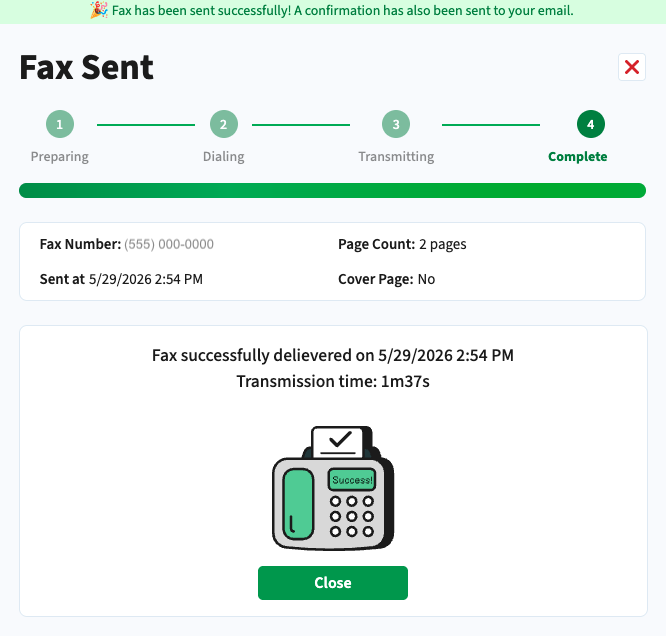
Upload your PDF, enter your recipient’s fax number in the (555) 555-0123 format, and follow the prompts to send. Cloud-based faxing converts the digital version of the document to an analog signal to be transmitted over a phone line. Once the fax has been successfully transmitted, you’ll receive an email notification and, if you’re using PDF.Live, you’ll see a confirmation in your dashboard.
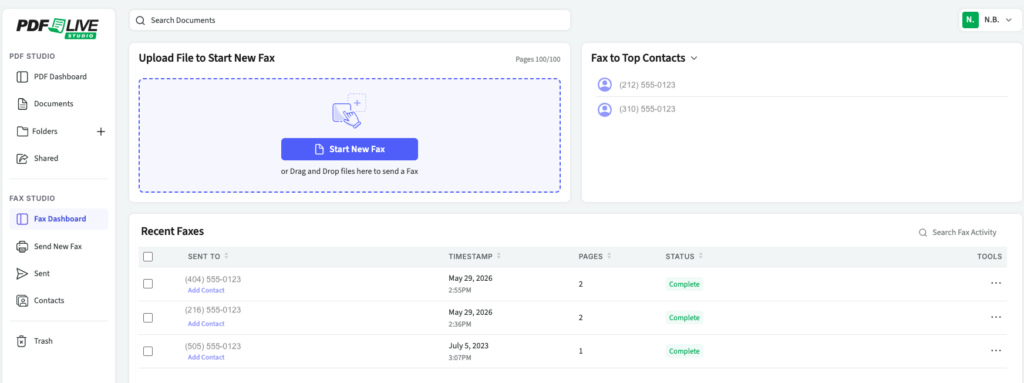
Cloud-based faxing enables receiving faxed documents over the web. A fax number will be assigned to your account, which you can share with anyone who needs to send you a fax. When you receive a new fax, you’ll get an email notification. The fax will be stored in the cloud for you to download through your dashboard.
Why Use Cloud Faxing
Cloud faxing offers a lot of advantages over traditional faxing. Besides the general convenience, here are other reasons why you might use cloud faxing:
- Works from anywhere, including home, office or on the go
- Convenient for receiving faxed documents in a digital format, which removes the need to scan them
- Eliminates the expense of purchasing a fax machine and paying for a phone line
- View all the faxes you’ve received and sent in one easy place
Cloud faxing generally integrates with modern tech better than traditional faxing. PDF.Live’s fax service is built into the PDF.Live editor, where you can edit, sign, and convert documents before faxing them. Any document uploaded to the PDF.Live cloud can then be easily faxed for a seamless workflow.
Cloud-based faxing is especially useful for businesses and individuals who need to fax legal, medical, business and educational documents. It eliminates the expense of purchasing a fax machine or finding a local store near you that offers fax services. Cloud-based faxing is a simple solution that works for home and business.
How to Get Started
To get started with faxing:
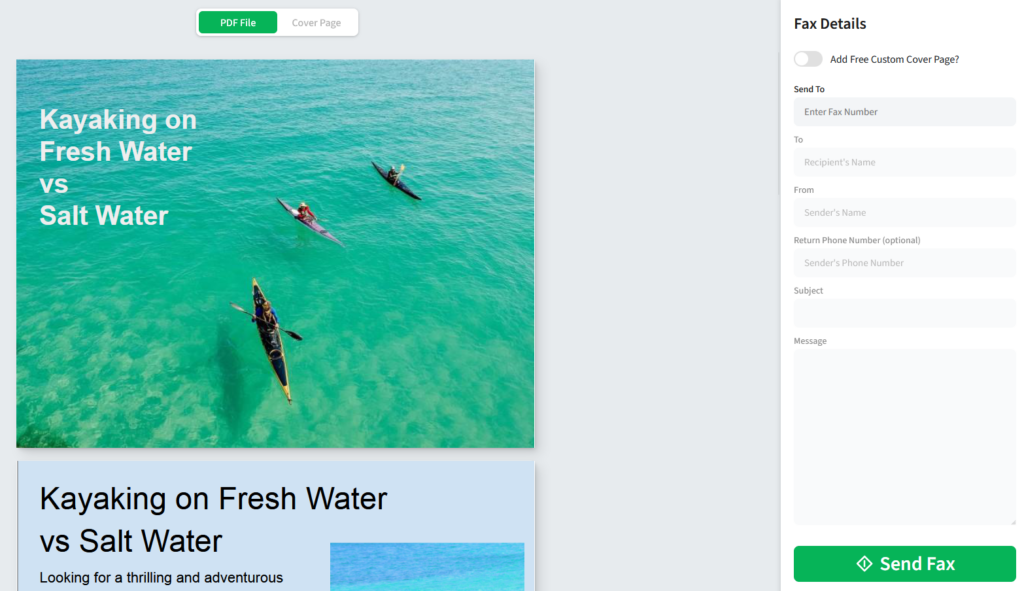
- Head to PDF.Live’s fax service on any device with an internet connection.

- Upload the PDF that you want to fax.
- Enter your recipient’s fax number.
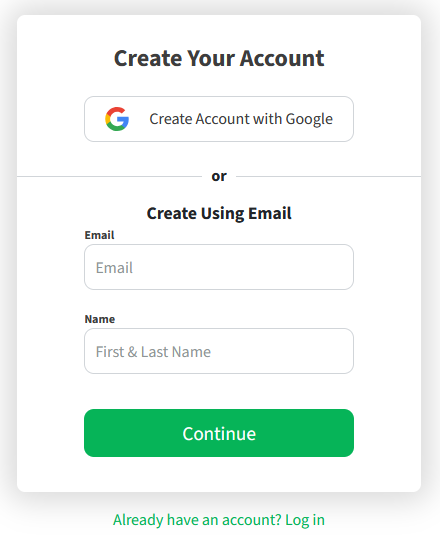
- Create an account. (Why do we require an account? To help ensure proper use and compliance with our terms and conditions, we require a valid email account.)
- Watch as your fax is transmitted.
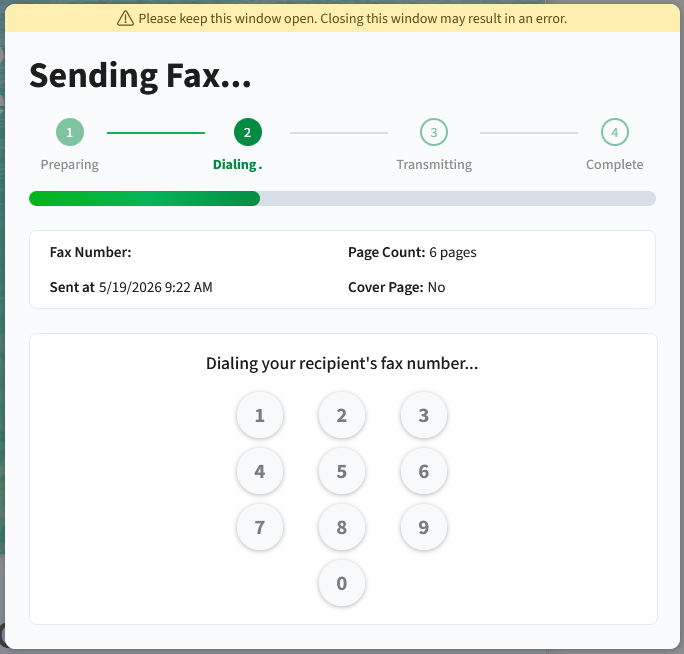
- And confirmed …